Q4 The Escape Room: Your Planning
4. Digital Workspace Essentials
Let the Planning Begin!
Building a digital escape room is an exciting project, and it takes lots of organization. You have to design a thrilling theme, build tricky puzzles, and make sure all your digital files link together perfectly. If you just start creating random documents and folders without a plan, you will end up with a confusing digital mess!
Sometimes it is easier to work backwards when creating an escape room.
- Figure out what you want people to do in the escape room.
- Create based on the end goal.
Thinking About Your Own Ideas
Step 1. Individually, think about the items you will have to complete with your team. No "doing" right now, just "thinking."
- Theme & Challenge: Choose the world your players will enter and the ultimate goal they are trying to achieve.
- The Puzzles: Select the type of puzzles you will build for your cloud storage, document, and calendar puzzles.
- The Final Action: Decide what players need to do at the very end in order to escape.

Build Your Blueprint
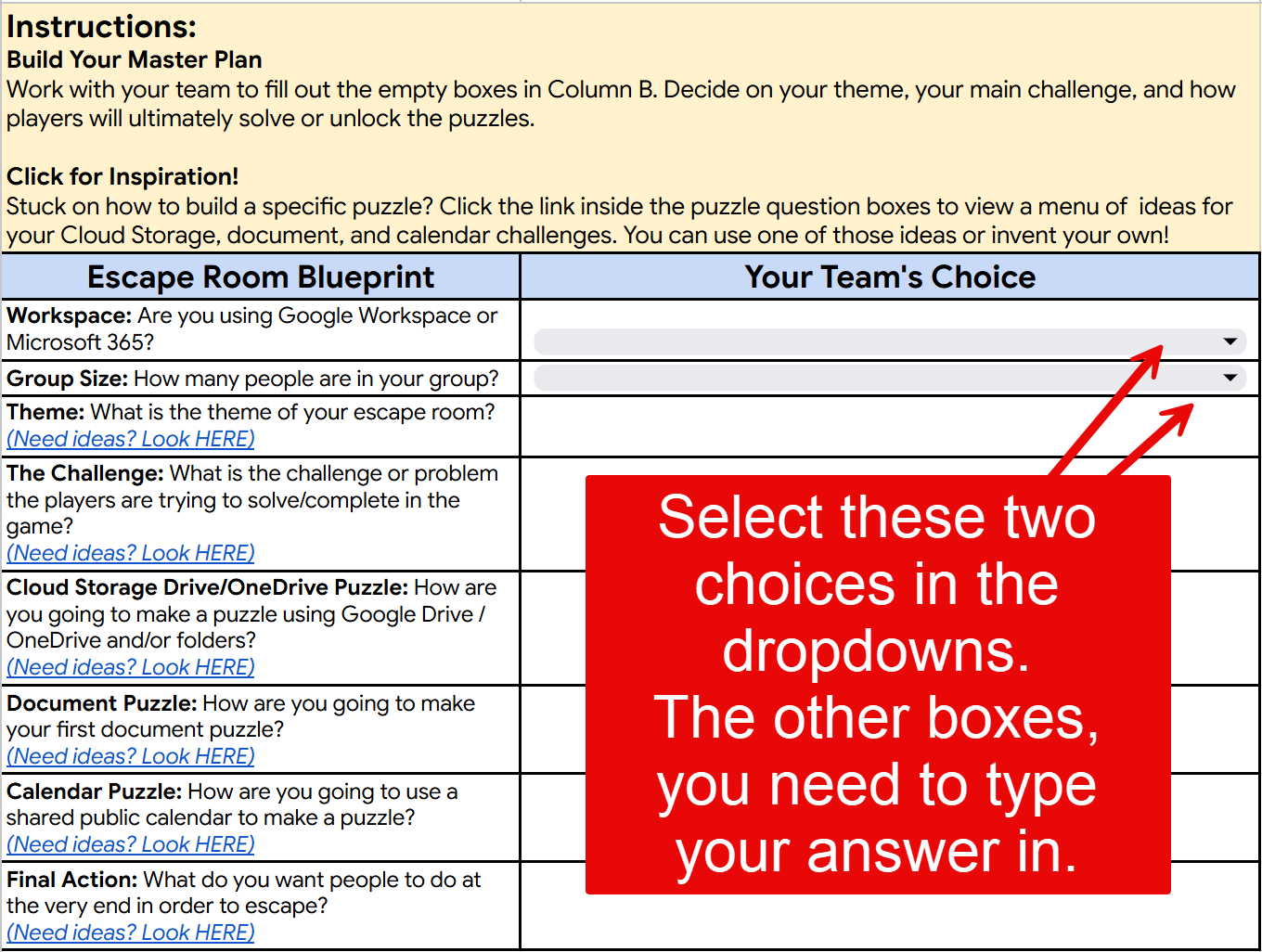
Step 2. Now, with your team, you will be completing the Escape Room Planner tab in the sheet below.
- One team member should make a copy, save in their Drive, and then share with the other members of the team. Or, if you are a Microsoft school, download and then do the same.
- Talk with your team and fill out the "Your Team's Choices" column to build your master plan, the first tab only.
- Read the instructions in row 1, highlighted in yellow.
- Remember that you may select the blue highlighted words to read through examples of each "choice" your team needs to make.