



4. Digital Workspace Essentials: Graduation
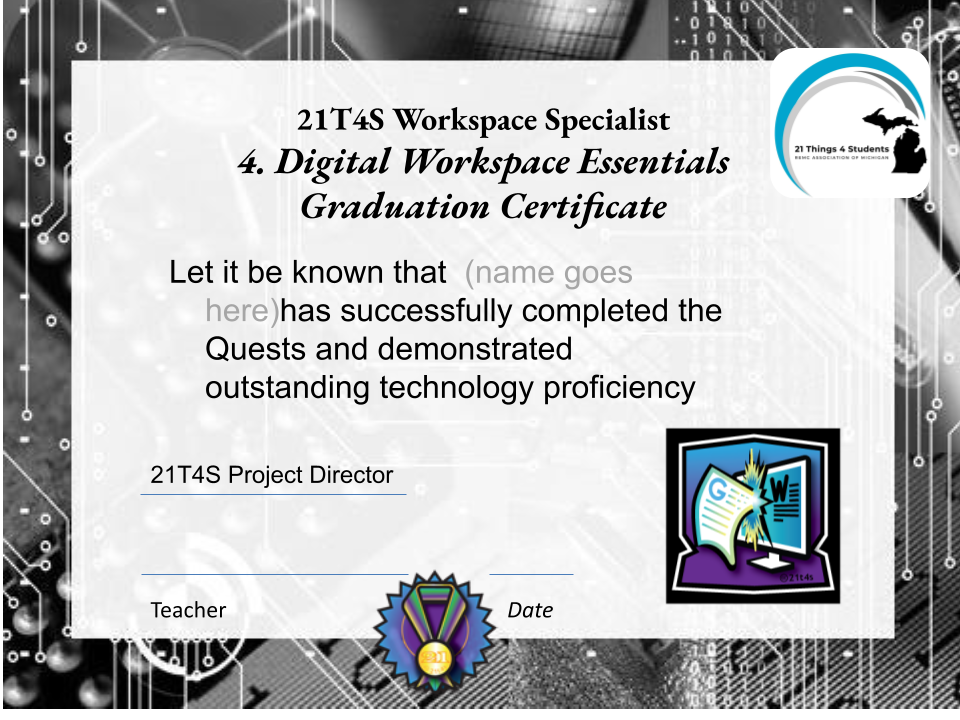
Congratulations! You have completed the Digital Workspace Quests.
Your Final Steps
Now that you have shown mastery of the learning objectives by completing the activities in the assigned Quests, you will do the following to receive your Digital Workspace Essentials Badge or Certificate.
Step 1. Take the Digital Workspace Essentials ProProfs quiz. The password for either quiz is digitalworkspace21. Do your best!
- Digital Workspace Google Quiz
- Digital Workspace Microsoft Quiz
- Take a screenshot of your quiz results and put it in your Thing 4 folder so that your teacher is able to give you credit for completing it.
Step 2. Take this short survey to share your ideas on how to improve these activities and this 21 Things 4 Students resource.
Step 3. Make sure all of your completed work is in the correct Thing 4 folder. Let your teacher know you are 100% done and that your Thing 4 is finalized to receive your Digital Workspace Essentials Badge or Certificate.
