



Q1 Cloud Storage: Introduction
INTRODUCTION
Think of cloud storage spaces, like Google Drive or OneDrive, as your ultimate digital backpack. Learning how to organize your cloud storage means you will stop wasting time searching for lost files and trying to figure out what is in each document. Plus, because your files live on the internet, you can access your files from any device!
LEARNING OBJECTIVES
I can:
- Create a new Drive folder.
- Organize my GDrive/MS Drive using naming conventions that work best for me.
- Share folders or files with others using the best privacy settings for the situation.
Before we Drive...
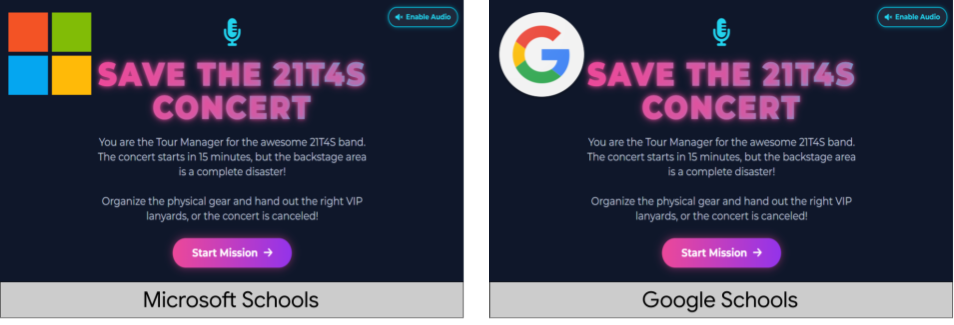
...Dive into operating your cloud storage; we have a concert to save!
- You are the Tour Manager for the 21T4S band, and the backstage area is a disaster.
- Let's work together as a class to organize the tour gear and secure the VIP list.
- What we do on stage today will help us understand how and why we maintain our cloud storage spaces.
Select the appropriate link depending on whether your school is Google (direct link) or Microsoft (direct link), and then Start Mission.


Competencies and Standards
MITECS Michigan Integrated Technology Competencies for Students, and
1. Empowered Learner
c. Students use technology to seek feedback that informs and improves their practice and to demonstrate their learning in a variety of ways.
d. Students understand fundamental concepts of how technology works, demonstrate the ability to choose and use current technologies effectively, and are adept at thoughtfully exploring emerging technologies.
6. Creative Communicator
a. Students choose the appropriate platforms and digital tools for meeting the desired objectives of their creation or communication.