



Q1 Clue Collections: Classmate Clues
Collecting Clues, Building Evidence
Time to start your detective work! First, you’ll gather clues by interviewing students who had collectibles in the case, what they were, and which ones have gone missing. Then, you’ll turn those clues into evidence by recording them in digital form, ensuring every detail is organized and ready for the investigation.
Creating Your Survey and Collecting Your Data
Step 1. Think about the detective work you have to start with; what is important to know right away? Brainstorm with a partner or as a class, following your teacher's instructions. These items will then be added to your survey for the initial data collection process.
Step 2. Play the appropriate video below on how to create, send, and view your data.
- Google Forms Video (11:18 min.) or Google Forms Written Directions
- Microsoft Forms Video (12:37 min.) or Microsoft Forms Written Directions
- Short overview of instructions for both Google and Microsoft: 13.Q1 Creating and Using a Data Collection Survey.
Step 3. Now that you have watched the video, it is time to create your own form as a data-collection survey. You may want to replay the video or refer to the short instructions above as you build your survey to assist you with the process.
- You will want to go into your 21t4S Thing 13 Data Detective folder and create your data collection survey there.
- Check out this sample survey to help with your form creation: Sample of Classmate's Collectable Items Survey.
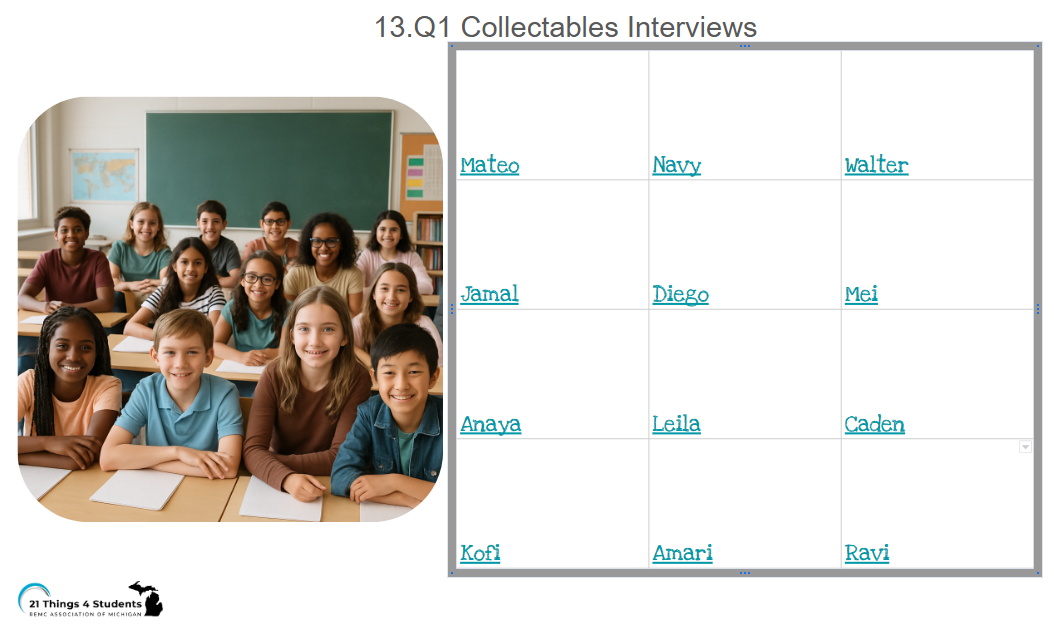
Step 4: You will now collect the data for your survey. To do this, you will fill out the survey you created for each student, which is hyperlinked on the Interviews slide below.
- If you have a detective partner, consider splitting up the interview process (that means each of you would complete the survey to collect the interview data 6 times).
- Once on the slide, select the classmate's name, then tap the play button to see if their collectable item is missing.
- Select this 13.Q1 Collectables Interview Slide to complete this task.
- Follow the overview instructions for either Google or Microsoft: 13.Q1 Creating and Using a Data Collection Survey to use your survey to collect interview responses.


Competencies & Standards
MITECS Michigan Integrated Technology Competencies for Students, and
5. Computational Thinker
b. collect data or identify relevant data sets
6. Creative Communicator
c. communicate complex ideas clearly and effectively by creating or using a variety of digital objects such as visualizations, models or simulations
d. publish or present content that customizes the message and medium for a variety of audiences
Websites and Documents
Websites
Videos from Outside Sources
- Google Forms YouTube (11:18 min.)
- Microsoft Forms YouTube (12:37 min.)
21T4S Documents & Quizzes